 Max Pankratov
You are switching phones, lost your SIM card, or about to throw an old one away. The question that stops you: what data is on that chip, and does any of it matter?
The short answer to what info is stored on a SIM card: far less than most people assume. When you ask what all is stored on a SIM card, the answer is: technical identifiers that let your phone connect to a carrier network, a limited number of contacts if you saved them there, and sometimes a handful of SMS messages. That is it. Your photos, messages, passwords, app data, and browsing history are not on the SIM and never have been.
This guide breaks down exactly what information is stored on a SIM card, what data a SIM card holds, what it cannot hold, how much memory it has, how to check your own SIM on iPhone and Android, and how the newer eSIM technology compares.
What does a SIM card actually store?
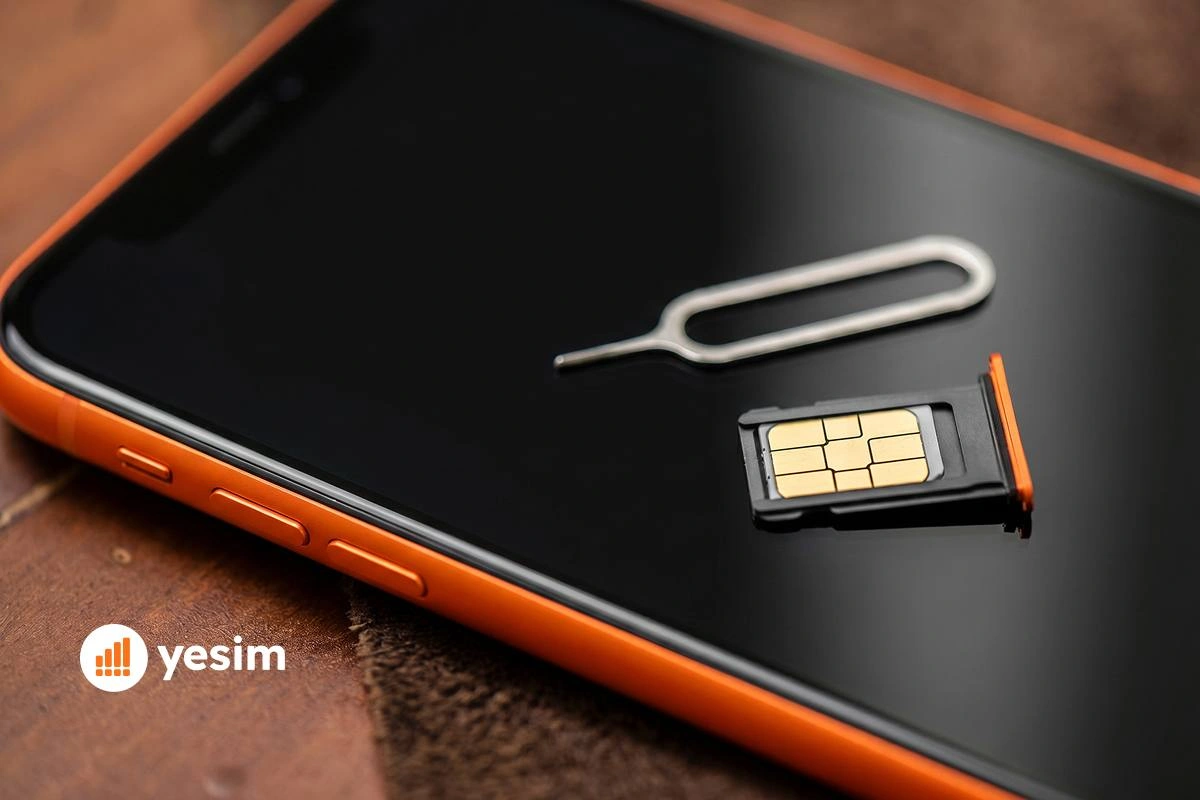
What data is stored on a SIM card falls into two categories: technical identifiers that the carrier network needs to authenticate your phone, and a small amount of optional user data that most people never use.
Technical and network data on the SIM
These are the data points that exist on every SIM card, regardless of the carrier or the phone:
- ICCID (Integrated Circuit Card Identifier) This is the SIM card’s serial number, a unique 18–22 digit string that identifies the physical card itself. It is printed on the card and stored in the chip. Carriers use it to link the card to your account.
- IMSI (International Mobile Subscriber Identity) This 15-digit number identifies you as a subscriber on a specific carrier’s network. When your phone connects to a cell tower, it sends the IMSI so the network knows which account to authenticate. The IMSI is separate from your phone number, it is a behind-the-scenes network identifier.
- Authentication key (Ki) This is the SIM card authentication key, a secret encryption key stored on the SIM and also held by your carrier. When your phone connects to the network, the carrier sends a challenge, the SIM uses the Ki to generate a response, and the carrier verifies it. You never see this key and cannot access it directly, it exists purely to prevent unauthorised phones from using your account.
- Network operator settings (PLMN list) The SIM stores a list of preferred carrier networks (Public Land Mobile Networks), your home carrier plus approved roaming partners. This tells your phone which networks to connect to automatically when you travel.
- SIM Application Toolkit (SAT) Some SIMs carry small applications that let carriers push menus, messages, or services to your phone. These are mostly legacy features used for things like balance checks via carrier menus.
User data: contacts and SMS
SIM cards can optionally store contacts and text messages, but with strict limits:
- Contacts. Are contacts stored on a SIM card? Yes, optionally. Does a SIM card store contacts by default on modern phones? Rarely. Does a SIM card hold contacts? It can store between 250 and 500 depending on the card type. Each contact can hold only a name and a phone number, no email addresses, photos, birthdays, or notes. Modern smartphones default to saving contacts in the phone’s internal memory or cloud account (iCloud, Google Contacts), not the SIM. Many people have not saved anything to the SIM in years without realising it.
- SMS messages. Some SIM cards reserve a small amount of space for SMS storage, usually 10–40 messages. Whether SMS are saved to the SIM or the phone depends on your settings. Most current Android and iPhone devices default to phone storage, so the SIM SMS slots are often empty.
How much data can a SIM card store?
SIM card memory capacity ranges from 32 KB to 256 KB depending on the generation:
| SIM type | Typical memory | Contacts stored | SMS stored |
|---|---|---|---|
| Standard SIM (2G era) | 32–64 KB | 250 | 20 |
| USIM (3G/4G) | 64–128 KB | 500 | 40 |
| Modern UICC (4G/5G) | 128–256 KB | 500+ | 40+ |
To put that in perspective: a single compressed JPEG photo from a modern smartphone is around 3–5 MB, that is 30 to 150 times more data than the entire SIM card can hold. The idea that photos or app data could sit on a SIM is not possible at a technical level.
What is NOT stored on a SIM card
This is the most important section for most readers. The following items are never stored on a SIM card under any circumstances:
- Photos and videos, stored in the phone’s internal storage or camera roll, not the SIM.
- WhatsApp, iMessage, or any messenger conversation, stored in the app’s local database on the device, synced to cloud backup.
- Passwords and login credentials, stored in the device’s keychain or password manager app.
- Browsing history, stored in the browser app on the device.
- Installed apps and their data, stored in the phone’s internal storage.
- Emails, stored on your email provider’s server and downloaded to the device.
- Call history, stored in the phone’s internal memory, not the SIM.
- Banking or payment data, stored in apps on the device, never on the SIM.
- Files and documents, stored in device storage or cloud services.
When you lose a SIM card, none of the above is exposed. The risk of a lost SIM is that someone could attempt to use your phone number, not that they can access your personal files.
SIM card vs eSIM: what’s the difference in data storage?
An eSIM stores the same categories of data as a physical SIM, IMSI, ICCID, authentication key, network settings, but the profile is embedded in the device’s chip rather than on a removable card.
| Physical SIM | eSIM | |
|---|---|---|
| What it stores | IMSI, ICCID, Ki, network settings, optional contacts/SMS | IMSI, ICCID, Ki, network settings (no contacts/SMS) |
| Can be physically removed | Yes | No |
| Risk of physical theft or damage | Yes | No |
| Risk of SIM swapping | Higher (requires carrier to issue a new physical card) | Lower (profile locked to device chip) |
| Multiple profiles | No (one SIM per slot) | Yes (up to 5–20 profiles on modern devices) |
| Data survives phone loss | Profile stays at carrier | Profile stays at carrier |
| Contacts stored on it | Optionally, with limits | No |
The core difference is physical: an eSIM cannot be removed, cloned at a physical level, or lost. The carrier profile is cryptographically locked to your device’s chip. This eliminates the risks associated with a physical card without changing how the network identifies your phone.
For a full explanation of how eSIM technology works, see what is an eSIM.
How to see what is stored on SIM card (iPhone and Android)
To see what is stored on a SIM card without any app: you cannot view the IMSI or authentication key directly, those are protected by design. What you can view and manage is the contacts and SMS saved to the SIM.
Checking SIM contacts on iPhone
- Open Settings on your iPhone.
- Tap Contacts.
- Scroll down and look for Import SIM Contacts.
- If the option appears and is tappable, your SIM has contacts stored on it. Tap it to import contacts from SIM to your iPhone contact list.
- If the option is greyed out or absent, the SIM has no contacts stored.
Note: On iPhones, contacts are rarely saved to the SIM by default. If you are switching from an old Android phone where contacts were stored on the SIM, this is how you transfer them.
Checking SIM contacts on Android
- Open the Contacts app.
- Tap the three-dot menu or Settings (varies by manufacturer).
- Look for Import or Import from SIM card.
- If contacts are present, the app will show a list and ask where to save them.
The exact path varies by device: on Samsung it may be under Contacts → Manage contacts → Import contacts. On Google Pixel: Contacts → Fix & manage → Import from SIM. The option only appears when a SIM is inserted.
To check SMS on the SIM: most messaging apps do not show SIM-stored messages separately. On older Android devices, go to the default messaging app → Settings → Message storage, some allow you to toggle between SIM and phone storage.
Does removing your SIM card delete everything?
No. Removing the SIM card has no effect on anything stored in the phone’s memory.
Your photos, apps, downloaded files, messaging conversations, call history, and settings all remain exactly as they were. The only things that change when you remove the SIM:
- Your phone loses access to the cellular network (no calls, SMS, or mobile data)
- Any contacts saved specifically to the SIM card become inaccessible until the SIM is reinserted
If your contacts are saved to Google, iCloud, or phone memory (which they almost certainly are on any phone set up in the last five years), removing the SIM will not affect them.
If you are switching to an eSIM and want to understand how to maintain connectivity without a physical SIM, see how to activate your eSIM.

SIM card security: can your SIM be cloned or hacked?
SIM card cloning, which means duplicating the IMSI and Ki onto a blank card, was a real threat on older 2G networks. On modern 4G and 5G SIMs, the authentication algorithms make cloning significantly harder. It is not a practical risk for most people.
The current threat is SIM swapping: an attacker calls your carrier, impersonates you, and convinces them to transfer your number to a new SIM. This gives the attacker control of your phone number, which they can use to intercept SMS-based two-factor authentication codes. This is a social engineering attack on the carrier, not a technical attack on the SIM chip itself.
Practical steps to reduce your risk:
- Set a SIM PIN in your phone settings (Settings → Cellular → SIM PIN on iPhone).
- Ask your carrier to add a port-out or account PIN to prevent unauthorised number transfers.
- Use an authenticator app rather than SMS for two-factor authentication where possible.
SIM swapping does not give attackers access to your photos, files, or app data, it gives them access to your phone number for the purpose of intercepting one-time codes.
Yesim tip: eSIM technology reduces SIM swap risk because transferring an eSIM profile requires both carrier authentication and access to the original device. There is no physical card that a carrier employee can hand over to an impersonator.
Conclusion: what you really need to know about SIM card storage
A SIM card is an authentication credential, not a data storage device. It holds your network identity, the identifiers that let your carrier recognise your phone, and a small optional contact list that most people have not used in years.
The question ‘does a SIM card store data, and does the SIM card hold data beyond technical credentials’ has a clear answer: yes, but only network data and optionally contacts. Does a SIM card store data like photos or files? No. Your photos, messages, passwords, and personal files are on your phone’s internal storage and your cloud accounts. They are not on the SIM. You can lose the card, damage it, or throw it away without losing any personal data.
The modern alternative, eSIM, works on the same authentication principle, but with one important difference: the profile is physically embedded in the device and cannot be removed, damaged, or swapped without your involvement. For travellers and anyone who manages multiple numbers, it removes the last remaining friction of the physical card entirely.










 Vika Laki