

 Max Pankratov
Your messages get no reply. You notice one grey tick, or a profile photo that vanished. You wonder: am I blocked on WhatsApp, or is the person simply busy? If you think someone blocked you, the signs can be confusing.
Does WhatsApp notify when blocked? No. WhatsApp does not send a notification, and it does not confirm a block. There is no definitive way to know if someone blocked you. No sign proves it on its own. This guide lists the 7 signs from WhatsApp’s own FAQ, plus ways to tell if someone has blocked you. It also covers other causes, what one grey tick means and what to do next. The honest answer is that no method is 100% sure.
How do you know if someone blocked you on WhatsApp?
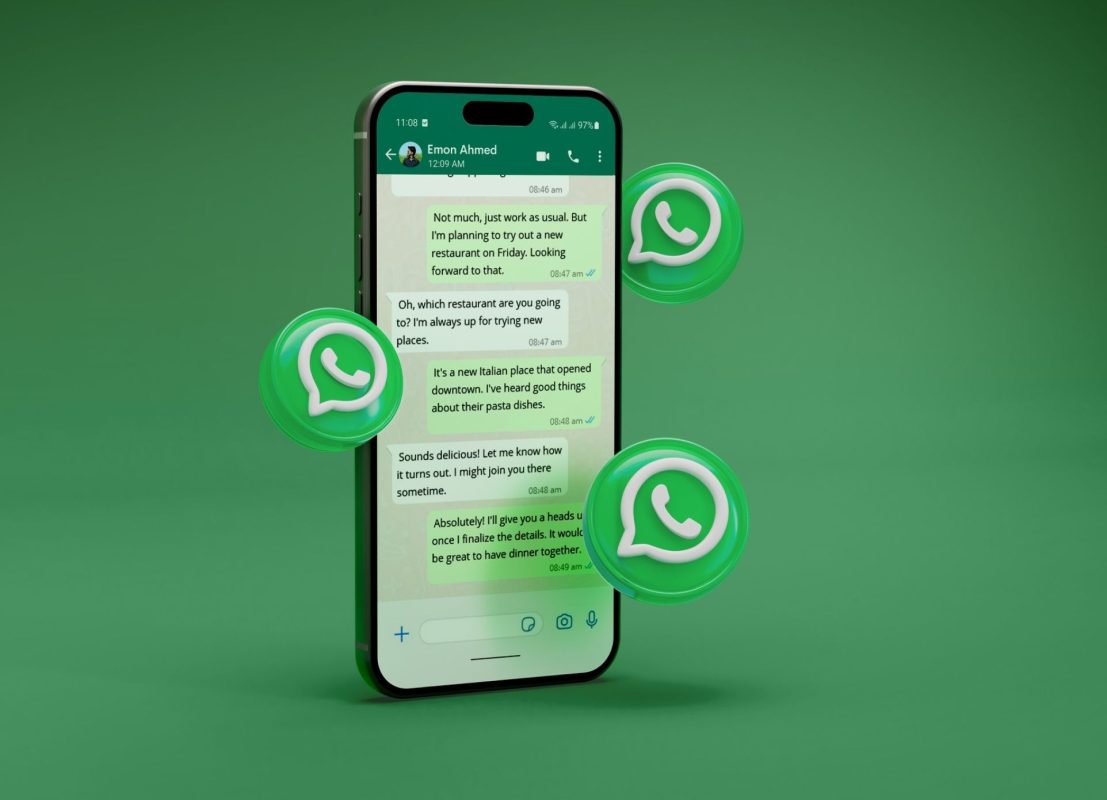
WhatsApp sends no notice and gives no confirmation. WhatsApp cannot tell you who blocked you, and it cannot remove a block for you. Anyone can block you on WhatsApp at any time. Someone may have blocked you if several signs appear together. According to WhatsApp, signs that someone has blocked you could mean a block. Each sign may also have other causes. WhatsApp’s page, “Being blocked by someone”, lists the signs.
If someone blocks you on WhatsApp, the chat and any groups stay in place. A WhatsApp block does not delete your history. None of the signs alone proves a block.
What are the 7 signs someone blocked you on WhatsApp?
The signs come from WhatsApp’s FAQ. People can block you on WhatsApp without any notice, so the signs are indirect. The table adds other possible reasons for each one:
| What you notice | Other possible reasons | How reliable |
|---|---|---|
| One grey check mark that never becomes two | Phone off, no internet, changed number, deleted account | Weak alone |
| No double blue check marks | The person turned off read receipts | Weak alone |
| Last seen and online disappear | Hidden in privacy settings | Weak alone |
| Profile photo does not update | Photo removed, limited sharing, you are not in their contacts | Weak alone |
| Status updates do not appear | Privacy limits, or no status posted | Weak alone |
| Calls do not go through | Weak connection on either side, phone off | Weak alone |
| You cannot add them to a group | Few other causes, but not proof | Stronger, not proof |
1. Does one grey check mark mean you are blocked?
WhatsApp one grey tick, or one check mark, means the message has been sent but not delivered. A message sent to a blocked contact shows it. A block could cause it. So can a phone that is off, no internet, a changed number or a deleted account. See the grey tick section below.
2. Why do double blue check marks not appear?
If someone has blocked you, you cannot see the read confirmation. The same happens if the person turned off read receipts. Read receipts apply to both sides.
3. Why do last seen and online disappear?
You can’t see a contact’s last seen and online status after a block. The person may also have hidden them in privacy settings. You cannot see the person’s online status either way.
4. Why does the profile photo stop updating?
You may not see new profile photo updates after a block. The old profile picture may stay visible. Some guides say you cannot see their profile picture at all. The About status can be limited too. Other causes are a removed photo, limited viewing, or not being saved in the person’s contacts.
5. Why do status updates not appear?
WhatsApp status updates are hidden from a blocked contact. Privacy limits, or a person who posts no status, look the same.
6. Why do calls not go through?
Per WhatsApp, a WhatsApp call will not go through if you are blocked. Users report the call stays on “Calling” and never rings. A weak connection or a switched-off phone does the same.
7. Why can you not add them to a group?
If you are a group admin, you cannot add the contact to a WhatsApp group after a block. Users report an error such as “Couldn’t add participant”. This is one of the stronger signs, but it is not proof.
Read also: Virtual numbers for WhatsApp, for privacy and a second number.
How do you check if someone blocked you on WhatsApp step by step?
How to tell if someone blocked you on WhatsApp starts with several signs together. How to check if someone blocked you on WhatsApp uses the same steps. You do not need to message someone to run them.
What is the step-by-step check?
Follow these steps:
- Open the chat and look at the delivery status of your last message.
- Check last seen and online status.
- Open the profile photo.
- Look at the About text and status updates.
- Try to call once. Do not repeat it.
- Compare with other contacts. Do their messages show two ticks?
- Check your own internet connection.
Yesim tip: write down the date each sign started. A pattern over several days says more than one moment.
How does the group test work?
How to see if someone blocked you on WhatsApp through a group works only for admins:
- Try to add the contact to a WhatsApp group you manage.
- An error may mean a block. An error alone is not proof.
- If you are not blocked, the person is added and may be notified. Check this on WhatsApp’s site first.
- Do not create groups to test someone against their wishes.
Which checks do not work reliably?
Some checks are unreliable, or are not signs at all:
- A Reddit thread suggests tapping the profile photo and checking the security code. Users report mixed results. It is not a reliable method, so no steps are given here.
- “SMS still works” is not a sign of a block.
- A check from another WhatsApp account is not a sign either.
- Do not use third-party apps that claim to check blocks.
Is it a block? What else causes the same signs?
How to know if you are blocked on WhatsApp means ruling out ordinary causes first. This table lists them:
| Cause | What you see | How to tell the difference |
|---|---|---|
| Privacy settings | Last seen, photo, About or status hidden | Messages still show two grey ticks, and calls ring |
| Phone off or no internet | One grey tick, calls fail | The tick changes when the phone is back online |
| Changed number | One grey tick on the old number | Check if the person shared a new number |
| Uninstalled or deleted account | One grey tick, no photo, calls fail | Only the person can confirm |
| Not saved in contacts | No photo or status | Photos and status may be limited to contacts |
| Your own connection | One grey tick in every chat | Test other chats and switch to Wi-Fi |
How do you check your own connection first?
One grey tick can come from your side. Mobile data may be off, roaming off, airplane mode on or your data limit used up. Run this checklist:
- Open a web page to test your internet.
- Send a message to another contact.
- Restart WhatsApp.
- Switch between Wi-Fi and mobile data.
Abroad, mobile data is often off, and an eSIM can help. See how to avoid roaming charges.
How does a block differ from a muted chat or new privacy settings?
A muted chat only silences notifications on the person’s side. Messages and calls still go through. The person may also have changed their privacy settings. The table compares the three:
| Point | Blocked | Muted chat | Privacy settings changed |
|---|---|---|---|
| Message status | One grey tick, never two | Normal delivery | Delivered, blue ticks may not show |
| Calls | Do not go through | Connect normally | Connect normally |
| Profile photo | Does not update | Visible | May be hidden |
| Last seen and online | Hidden | Visible | May be hidden |
| Adding to a group | Fails for an admin | Works | Works |
How can you see your own blocked contacts list?
Open Settings, then Privacy, then Blocked contacts. The menu name can differ by version, so check it in your app. The blocked contacts list shows people you blocked, not people who blocked you. Only you can unblock someone on WhatsApp from it.
What does one grey tick on WhatsApp mean?
One grey check mark means the message was sent but not delivered to the person’s phone. When a message is delivered, you see two ticks. When you send a message to someone who has blocked you, it shows one grey tick. Other reasons are more common. Common causes:
- A block by the person.
- A phone that is switched off.
- No internet on the other phone.
- A changed number.
- A deleted account or a removed app.
- A problem on your side.
To tell a block from the others, check your own connection first. A block becomes more likely if the tick stays for several days and other signs appear too. Your own connection must be fine.
Yesim tip: test the same message on Wi-Fi and on mobile data before you draw a conclusion. It rules out your own connection.
What should you do if someone blocked you on WhatsApp?
A decision to block you on WhatsApp is personal. A block is the person’s own decision. If you suspect someone has blocked you, accept it and do not look for ways around it.
- Do not write from another number or ask others to pass messages on.
- If you must reach the person about money, documents or work, use an agreed channel such as email.
- Give the person who blocked you time.
- If you face harassment or threats, contact WhatsApp support and the police.
- WhatsApp Business users should respect a customer who stops messages.

How can you use WhatsApp abroad without connection problems?
Abroad, a grey tick can be a data problem. Using WhatsApp abroad needs mobile data. These steps help:
- Use an eSIM with mobile data for your trip. Read about the phone number on an eSIM.
- Check that data roaming and mobile data are on.
- Estimate your data with the data calculator.
- For privacy or work, a separate number can help. Read about virtual numbers for WhatsApp. Use it only within WhatsApp’s rules, and not to contact someone who blocked you.
Yesim tip: install your eSIM before you travel and keep data on for WhatsApp. Then a grey tick abroad is easier to read.
How sure can you be?
You cannot be 100% sure. How to know if someone has blocked you on WhatsApp has no certain answer. Several signs together make a block possible. Examples are one grey check mark, no last seen, a photo that does not update and no group add. You may have been blocked, but many signs have ordinary causes. These checks cannot confirm you are blocked.
Before you draw conclusions:
- Check your own connection.
- Compare with other contacts.
- Remember that privacy settings can hide the same details.
Respect the person’s decision. For travel, get a Yesim eSIM to stay connected abroad.








 Yesim Team