
 Max Pankratov
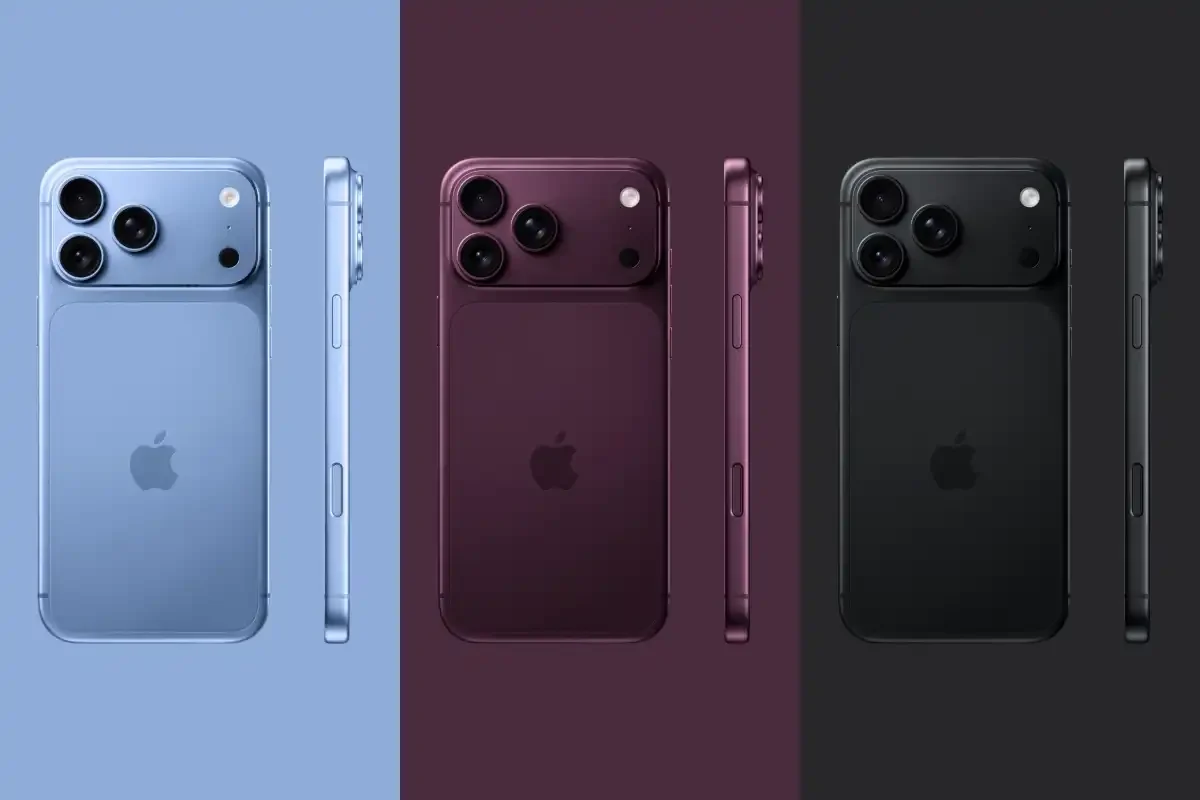
Does iPhone 18 support eSIM? Yes. The Apple iPhone 18 Pro and iPhone 18 Pro Max, the two models on sale now, support dual eSIM. Both run two active eSIMs at once and store eight or more profiles, according to Apple’s tech specs.
Models are eSIM only in 12 countries, including the US and Japan. They keep a physical nano-SIM tray in Europe and other regions. The new folding iPhone Duo is eSIM only worldwide.
| Question | Short answer |
|---|---|
| Does iPhone 18 support eSIM? | Yes, on the iPhone 18 Pro and iPhone 18 Pro Max |
| Does it support two eSIMs? | Yes: two active eSIMs, eight or more stored |
| Is iPhone 18 eSIM only? | In 12 countries, including the US and Japan |
| Does it have a physical SIM tray? | Yes in Europe and other regions, no in the 12 countries |
| Is the iPhone Duo eSIM only? | Yes, worldwide |
| What about the standard iPhone 18? | Not released. Reports point to spring 2027 |
This guide covers the model table, the regional list, eSIM setup and activation steps, and troubleshooting for common problems.
Does iPhone 18 support eSIM?
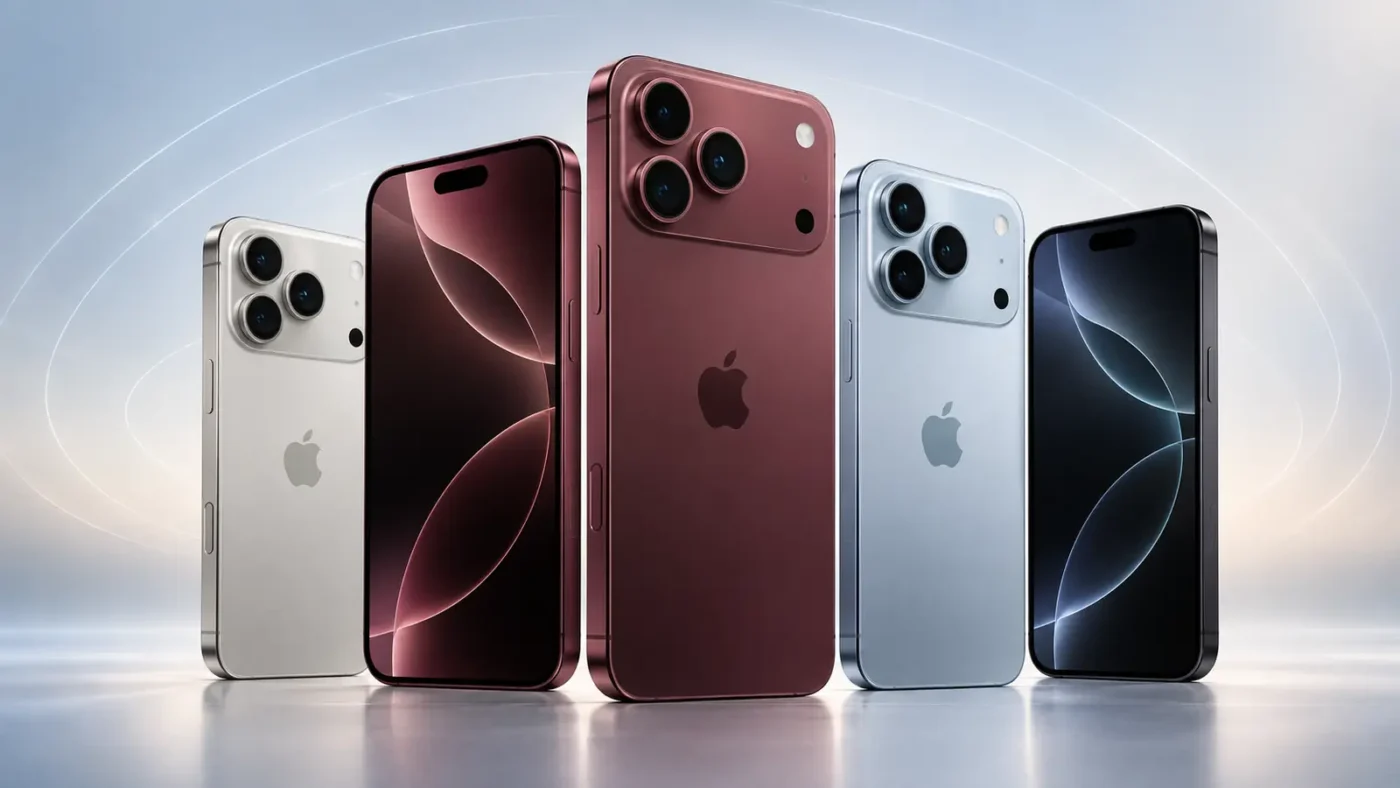
Yes. iPhone 18 eSIM support covers every iPhone 18 model Apple has released. Apple’s flagship iPhone 18 Pro and iPhone 18 Pro Max use what Apple calls advanced eSIM technology. Apple lists dual eSIM with two active eSIMs and room for eight or more stored profiles.
Does iPhone 18 Pro support eSIM? Yes. Does iPhone 18 Pro Max support eSIM? Yes, with the same SIM specification. Apple lists two cellular model numbers for the Pro models, A3472 and A3473. Find yours in Settings, General, About.
| Model | eSIM support | On sale |
|---|---|---|
| iPhone 18 Pro | Dual eSIM | Yes, since September 2026 |
| iPhone 18 Pro Max | Dual eSIM | Yes, since September 2026 |
| iPhone Duo (folding) | eSIM only worldwide | Yes, since September 2026 |
| iPhone 18 (standard) | Not confirmed by Apple | No, expected spring 2027 |
Is iPhone 18 eSIM only?
iPhone 18 eSIM support and eSIM-only are two different things. eSIM support means the phone can use a digital SIM that identifies you as a subscriber. An eSIM-only phone has no SIM card slot, so eSIM is the only option. Apple dropped the SIM tray on US models with the iPhone 14. eSIM has been standard there since.
Apple states that the eSIM-only versions of the Pro and Pro Max are not compatible with physical SIM cards. Outside the eSIM-only countries, the phone keeps a nano-SIM tray next to the eSIM.
Which countries is iPhone 18 eSIM only in?
Launch coverage lists 12 countries where the iPhone 18 Pro and Pro Max are eSIM only:
- United States, Canada and Mexico
- Japan
- Guam and the U.S. Virgin Islands
- United Arab Emirates, Saudi Arabia, Qatar, Kuwait, Bahrain and Oman
The 12 iPhone 18 eSIM countries do not include the UK, Australia or any EU country. Check Apple’s regional tech specs for your country before you buy.
Is iPhone 18 eSIM only in Europe?
No. For iPhone 18 eSIM Europe buyers, the Pro and Pro Max keep a physical SIM tray. The iPhone 18 eSIM only Europe question has a short answer: Europe gets nano-SIM plus eSIM, not an eSIM-only phone.
Is iPhone 18 eSIM only worldwide?
No for the Pro models. The iPhone Duo is the one device that is eSIM only worldwide. A buyer of this eSIM-only iPhone has no tray in any country or region.
Will iPhone 18 be eSIM only?
Apple has not said. The standard iPhone 18 has not launched. Reports say the standard iPhone 18, the iPhone 18e and a second iPhone Air arrive in spring 2027. The earlier iPhone Air was eSIM only. Specs for the standard model are still rumor, so do not copy Pro specs onto it. Apple’s tech specs will settle the question.
What is iPhone 18 eSIM compatibility by model?
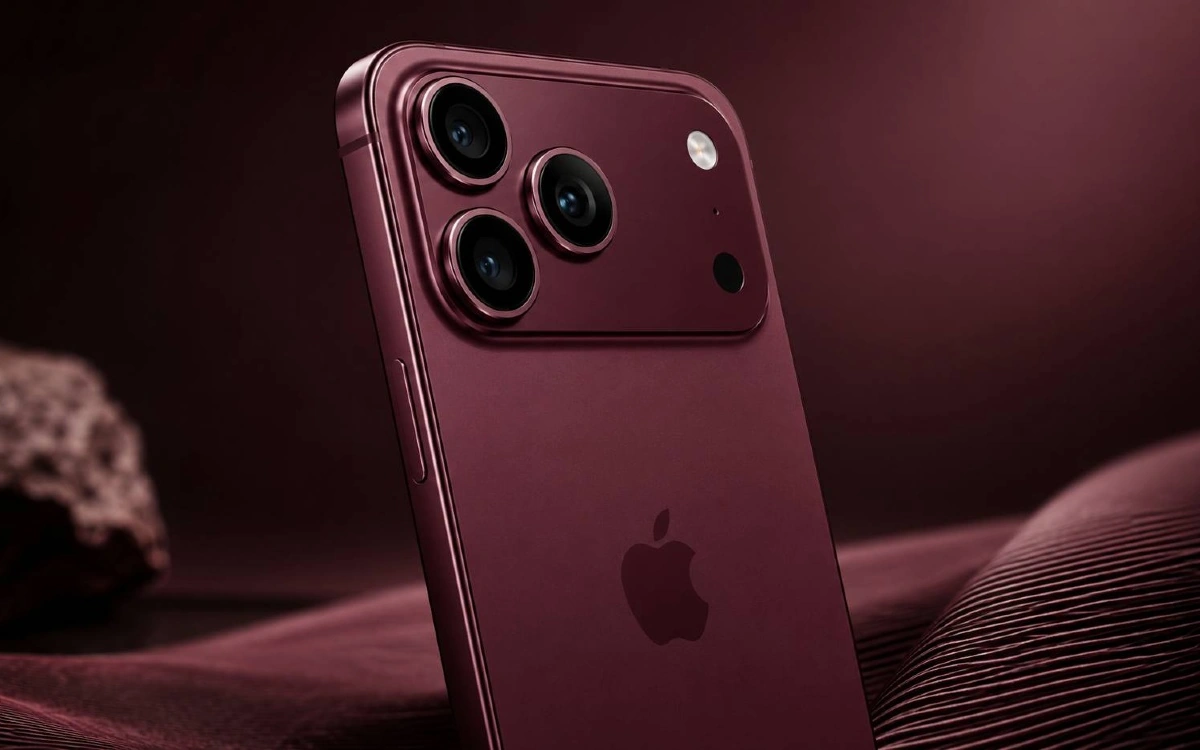
The table below shows iPhone 18 eSIM compatibility and the SIM setup for each model:
| Model | eSIM | Active eSIMs | Stored eSIMs | Physical SIM |
|---|---|---|---|---|
| iPhone 18 Pro | Yes | 2 | 8 or more | Tray in Europe and other regions, none in the 12 countries |
| iPhone 18 Pro Max | Yes | 2 | 8 or more | Tray in Europe and other regions, none in the 12 countries |
| iPhone Duo | Yes | 2 | 8 or more | None, eSIM only worldwide |
| iPhone 18 (standard) | Not confirmed | Not confirmed | Not confirmed | Not confirmed |
The iPhone 18 Pro eSIM compatibility and iPhone 18 Pro Max eSIM compatibility are the same. Apple prints one SIM line for both. Check the full list of eSIM supported phones for older iPhones.
How does iPhone 18 eSIM differ in Europe and other regions?
Where you buy the phone decides the SIM setup. Apple publishes the details by countries and regions. Every eSIM iPhone 18 follows one of two layouts, shown here:
| Region | iPhone 18 Pro and Pro Max | iPhone Duo |
|---|---|---|
| US, Canada, Mexico | eSIM only | eSIM only |
| Japan, Guam, U.S. Virgin Islands | eSIM only | eSIM only |
| UAE, Saudi Arabia, Qatar, Kuwait, Bahrain, Oman | eSIM only | eSIM only |
| Europe | Nano-SIM tray plus eSIM | eSIM only |
| Other regions | Nano-SIM tray plus eSIM | eSIM only |
Does an iPhone 18 eSIM work in the USA?
Yes. iPhone 18 eSIM USA setups are the simplest, because models sold in the US have no tray. A visitor with a European iPhone 18 can add a US plan as an eSIM. The home line stays in the tray. See the United States eSIM page.
Does an iPhone 18 eSIM work internationally?
Yes. iPhone 18 eSIM international use works wherever a provider sells an eSIM plan. The iPhone 18 eSIM supported countries list is long, and Yesim covers 200+ destinations. Rules differ by country, and a few restrict eSIM sales or use. Check the destination before you fly. Connectivity on the local cellular network starts once you turn the line on.
What is the best iPhone 18 travel eSIM setup?
An iPhone 18 travel eSIM runs next to your home line. Keep the home line on for calls and bank codes. Use the travel eSIM for mobile data. See the Europe eSIM and Japan eSIM pages for plans.
iPhone 18 eSIM or physical SIM: which is better?
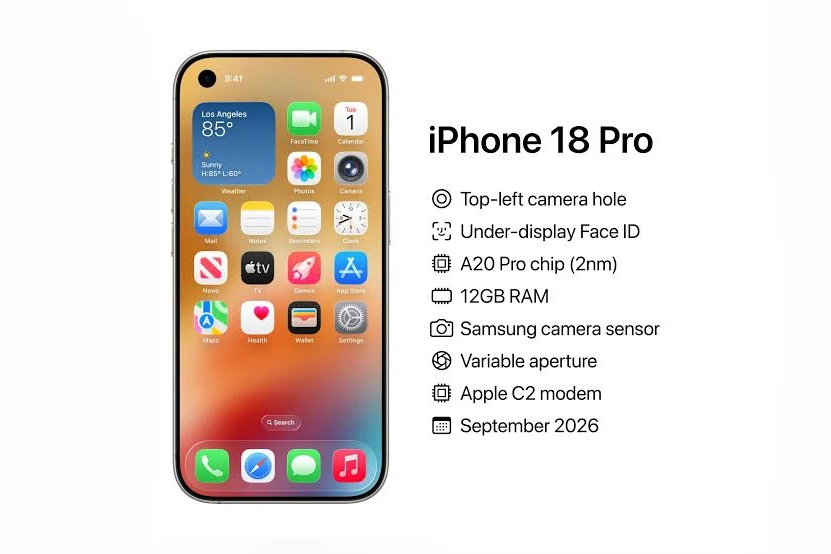
For iPhone 18 eSIM or physical SIM, the answer depends on your use. The table compares them. A smartphone with a tray can hold one physical card, while eSIM stores profiles in software:
| Point | eSIM | Physical nano-SIM |
|---|---|---|
| Install | Online, in minutes | Swap a card in the tray |
| Several plans | Eight or more stored | One card per slot |
| Lost or stolen card | No card to lose | Card can be removed |
| Switch plans | Change in Settings | Swap the card |
| Travel | Add a local plan before you land | Buy a local card abroad |
| Availability | All iPhone 18 models | Tray models only |
The iPhone 18 physical SIM option exists only on tray models, which have a physical SIM slot. Every iPhone 18 is dual SIM in practice. Tray models use a nano-SIM in the tray plus an eSIM. eSIM-only models use two eSIMs. This is how iPhone 18 dual SIM and iPhone 18 dual eSIM setups work. The iPhone 18 Pro dual SIM layout follows the same split. An eSIM works alongside a physical SIM without a second card slot. See dual SIM on iPhone for details.
Several retailers and forum users say eSIM-only models carry a slightly larger battery, since there is no tray. Apple lists battery life in hours, not capacity, so treat that as unconfirmed.

Is iPhone 18 Pro Max eSIM only?
In the 12 countries, yes. Is iPhone 18 Pro Max eSIM only elsewhere? No. The iPhone 18 Pro Max eSIM setup matches the Pro. Apple prints the same SIM line for both.
The differences are elsewhere. The Pro Max has a 6.9-inch display and up to 30 hours of typical battery use. The iPhone 18 Pro has a 6.3-inch display and up to 24 hours. Neither number changes eSIM support.
Is iPhone 18 Pro eSIM only?
Same rule as the Pro Max. The iPhone 18 Pro eSIM only status applies in the 12 countries. Is iPhone 18 Pro eSIM only in the UK or Australia? Those markets are not on the eSIM-only list. Look at the specs for your market.
How do you check if your iPhone 18 supports eSIM?
Check two things: eSIM support and carrier lock.
- Open Settings, then General, then About.
- Scroll to the EID number. A phone with an EID supports eSIM.
- Open Settings, then Cellular (or Mobile Data). Look for Add eSIM.
- Return to About and read the Carrier Lock line. “No SIM restrictions” means no carrier lock applies.
A locked phone cannot install a Yesim eSIM, and the same goes for any other provider. Read the carrier lock guide for eSIM if the line shows a restriction.
Yesim tip: check the lock status before you buy a plan. A restriction shows on the About screen and is free to check.
How do you install a Yesim eSIM on iPhone 18?
You can install in three ways: the app, a QR code, or manual details. Below is how to install eSIM on iPhone 18 with Yesim. The same steps show how to set up eSIM on iPhone 18 over Wi-Fi. Setting up an eSIM takes a few minutes. The process of setting it up is the same on every model.
How do you add an eSIM on iPhone 18 with the Yesim app?
The app is the quickest route:
- Download the Yesim app from the Yesim eSIM app page.
- Pick your destination country and a plan.
- Pay, then tap Install eSIM.
- Follow the iPhone prompts and confirm Add Cellular Plan.
How do you install an eSIM on iPhone 18 with a QR code?
Use this method if you have the Yesim QR code on another screen:
- Open the Camera and point it at the Yesim QR code.
- Tap the notification that says a new cellular plan was found.
- Tap Continue, then Add Cellular Plan.
- Wait for the line to finish setting up.
How do you set up an eSIM on iPhone 18 manually?
Manual entry works when scanning fails:
- Open Settings, then Cellular, then Add eSIM.
- Choose Enter Details Manually at the bottom.
- Type the address and activation code from your Yesim order.
- Tap Next and finish the setup.
Do this on Wi-Fi. If your carrier, such as AT&T, sends a pending eSIM notification, tap it to finish. On a device already set up, use the steps above. During initial setup of a new phone, Apple also offers eSIM setup on the Cellular screen. For more routes, read the full iPhone eSIM setup guide. Moving from an old phone? See how to transfer an eSIM.
Yesim tip: install the eSIM before you travel, then keep it off until you land. Install needs internet, and airport Wi-Fi can be slow.
How do you activate Yesim on iPhone 18?
Installing the profile and using it are two steps. After install, activate the line. This is how to activate eSIM on iPhone 18, and how to use eSIM on iPhone 18 for data.
- Open Settings, then Cellular (or Mobile Data).
- Tap the Yesim line under SIMs.
- Turn on Turn On This Line.
- Under Cellular Data, select the Yesim line.
- Open the Yesim line and turn on Data Roaming.
- Check that the signal bars appear.
Yesim plans are for mobile data on the cellular network. Calls and texts use apps such as WhatsApp or FaceTime. Your home line stays on for normal calls. Keep it as the second line, and do not delete the Yesim line when you leave. Learn how to turn data roaming on or off.
Yesim tip: label your lines in Settings, for example “Home” and “Yesim travel”. It stops you from picking the wrong data line.
How many eSIMs can iPhone 18 use?
Two eSIMs can be active at once, and eight or more can be stored. Stored profiles sit on the phone. Active ones are connected to a network. Apple lists both numbers.
An iPhone 18 can hold your home eSIM, a Yesim plan and several older travel plans. You switch between them in Settings, and you can use two at the same time. Read how many eSIMs you can install.
Can I use a physical SIM and eSIM on iPhone 18?
The answer depends on the regional model. Tray models use a nano-SIM plus an eSIM, with one active line each. eSIM-only models take two eSIMs instead. Check your model before you plan a physical SIM.
Can I use Yesim on an eSIM-only iPhone 18?
Yes. Three things are required: eSIM support, no carrier lock, and a correct install. All iPhone 18 Pro and Pro Max phones meet the first. Check the lock with the steps above. Then pick a plan on the Yesim eSIM site.
Why is my iPhone 18 eSIM not working?
Match your symptom to the fix:
| Problem | Likely cause | Fix |
|---|---|---|
| No Add eSIM option | Carrier lock or old iOS | Check Carrier Lock in About. Update iOS. Ask the carrier to lift the lock |
| QR code is not accepted | Code used before, or no connection | Switch to Wi-Fi. Use the app or manual details. Ask Yesim for a new profile |
| Installed but no internet | Wrong data line selected | Set Yesim under Cellular Data |
| Line shows but stays off | Line is switched off | Turn on Turn On This Line |
| No data abroad | Data Roaming off | Turn on Data Roaming for the Yesim line |
| Network not found | Poor coverage or settings | Toggle Airplane Mode. Restart. Choose a network manually |
| Install fails with a lock message | Carrier lock | Ask the carrier to lift the lock, then retry |
Activation can take a few minutes. See how long eSIM activation takes. If data still fails, follow the cellular data not working steps. A PUK message belongs to a locked physical SIM, not an eSIM.
Conclusion: what should you remember about iPhone 18 eSIM?
The iPhone 18 Pro and iPhone 18 Pro Max support dual eSIM and store eight or more profiles. They are eSIM only in 12 countries, including the US and Japan. They keep a nano-SIM tray in Europe and other regions. The iPhone Duo is eSIM only worldwide.
Next step: check your phone’s lock status, then install your Yesim plan over Wi-Fi before you travel. Pick a plan for your destination on Yesim.








 Vika Laki

 Yesim Team